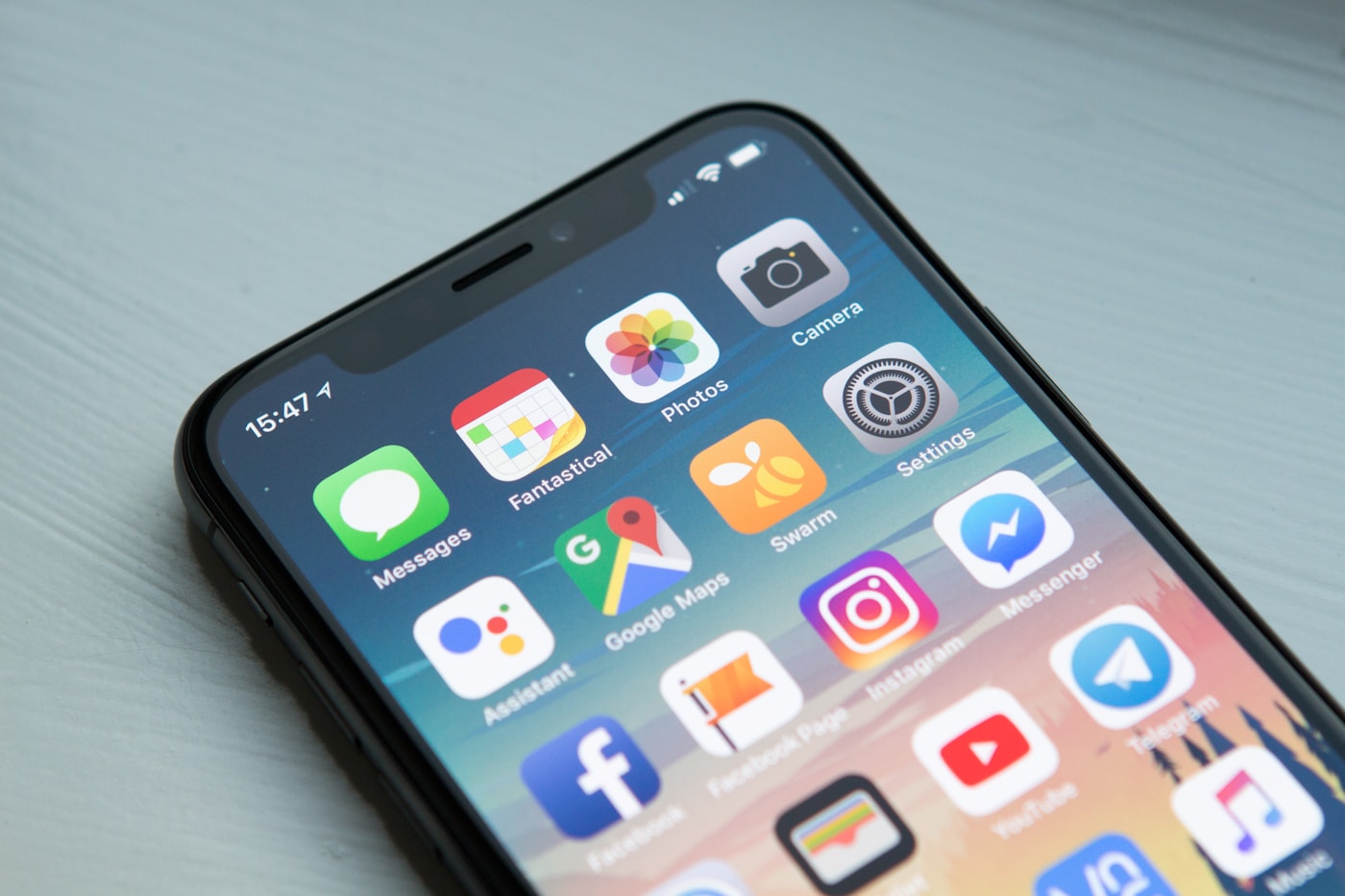
Full list of eSIM-compatible iPhones, Samsung, Google Pixel, and other Android phones. How to check in 30 seconds.
How to Check eSIM Compatibility in 30 Seconds
Before buying a travel eSIM, confirm your phone supports it. Here's the fastest way:
- iPhone: Settings → General → About → look for "EID" (a 32-digit number). If it's there, your iPhone supports eSIM.
- Android: Settings → About Phone → look for "EID." Alternatively, dial *#06# — if an EID appears alongside your IMEI, eSIM is supported.
- Samsung: Settings → Connections → SIM Manager → if "Add eSIM" appears, you're good.
No EID visible? Your phone likely doesn't support eSIM, or it's carrier-locked. See the carrier lock section below.
Complete eSIM Compatible Device List 2026
iPhone — All eSIM Compatible Models
| iPhone Model | eSIM Support | Notes |
|---|---|---|
| iPhone 16 / 16 Plus / 16 Pro / 16 Pro Max | ✓ eSIM | US models: eSIM-only (no SIM tray) |
| iPhone 15 / 15 Plus / 15 Pro / 15 Pro Max | ✓ eSIM | US models: eSIM-only |
| iPhone 14 / 14 Plus / 14 Pro / 14 Pro Max | ✓ eSIM | US models: eSIM-only |
| iPhone 13 / 13 mini / 13 Pro / 13 Pro Max | ✓ eSIM + physical SIM | Dual SIM (nano + eSIM) |
| iPhone 12 / 12 mini / 12 Pro / 12 Pro Max | ✓ eSIM + physical SIM | |
| iPhone 11 / 11 Pro / 11 Pro Max | ✓ eSIM + physical SIM | |
| iPhone XS / XS Max / XR | ✓ eSIM + physical SIM | First eSIM-capable iPhones |
| iPhone X and earlier | ✗ No eSIM |
Samsung Galaxy — eSIM Compatible Models
| Samsung Model | eSIM Support |
|---|---|
| Galaxy S25 / S25+ / S25 Ultra | ✓ |
| Galaxy S24 / S24+ / S24 Ultra | ✓ |
| Galaxy S23 / S23+ / S23 Ultra | ✓ |
| Galaxy S22 / S22+ / S22 Ultra | ✓ |
| Galaxy S21 / S21+ / S21 Ultra | ✓ |
| Galaxy Z Fold 3 / 4 / 5 / 6 | ✓ |
| Galaxy Z Flip 3 / 4 / 5 / 6 | ✓ |
| Galaxy A55 / A54 / A35 | ✓ |
| Galaxy S20 / S20+ / S20 Ultra / S20 FE | ✓ (region-dependent) |
Google Pixel — All eSIM Compatible Models
| Pixel Model | eSIM Support |
|---|---|
| Pixel 9 / 9 Pro / 9 Pro XL / 9 Pro Fold | ✓ |
| Pixel 8 / 8 Pro / 8a | ✓ |
| Pixel 7 / 7 Pro / 7a | ✓ |
| Pixel 6 / 6 Pro / 6a | ✓ |
| Pixel 3 / 3 XL / 3a / 4 / 4a / 5 | ✓ |
Other Android Devices
- Motorola: Edge 30 Ultra, Edge 40 Pro, Razr 2022 and later
- OnePlus: OnePlus 12, 11, Open
- Sony: Xperia 1 V, Xperia 5 V, Xperia 10 V
- Oppo / Find X: Find X6 Pro, Find N3
- Huawei: P40 Pro, Mate 40 Pro (limited eSIM support — check your region)
What If Your Phone Is Carrier-Locked?
A carrier-locked phone can detect eSIM hardware but refuse to install a profile from a different carrier. This is common with subsidized phones bought through US carriers (AT&T, Verizon) or some European operators.
How to check: Try inserting a different carrier's SIM. If it says "SIM not supported" or "Enter unlock code," your phone is locked.
How to fix: Contact your carrier to unlock your device. This is legally required in most countries (US, UK, EU) once your contract is completed or device is paid off. It's usually free and takes 24–72 hours.
Frequently Asked Questions
Can I use an eSIM on a carrier-locked iPhone?
No — a carrier-locked iPhone will reject eSIM profiles from other providers. You need to unlock your device first. Apple's carrier unlock is done by your current carrier, not Apple directly.
My phone supports eSIM but I can't find the option in settings — why?
Some manufacturers disable eSIM in specific regional variants. If you bought your phone in China or certain Asian markets, the hardware may have eSIM capability but the firmware disables it. There is no workaround for this — you'd need a different model variant.
How many eSIM profiles can I store?
iPhones (iOS 16+) support up to 8 stored eSIM profiles with 2 active simultaneously. Most Android devices support 2–5 stored profiles. Only one eSIM can be used for data at a time.
Does eSIM work on eSIM-only iPhones (US iPhone 14/15/16)?
Yes — eSIM-only iPhones work perfectly with lamasim. In fact, they're the best travel phones: no SIM tray means no risk of losing a physical SIM abroad, and you can store multiple eSIM profiles for different countries.
Ready to travel connected?
Get your eSIM in 60 seconds. Plans from $2.80. No ID, no contract.
Browse eSIM plans →