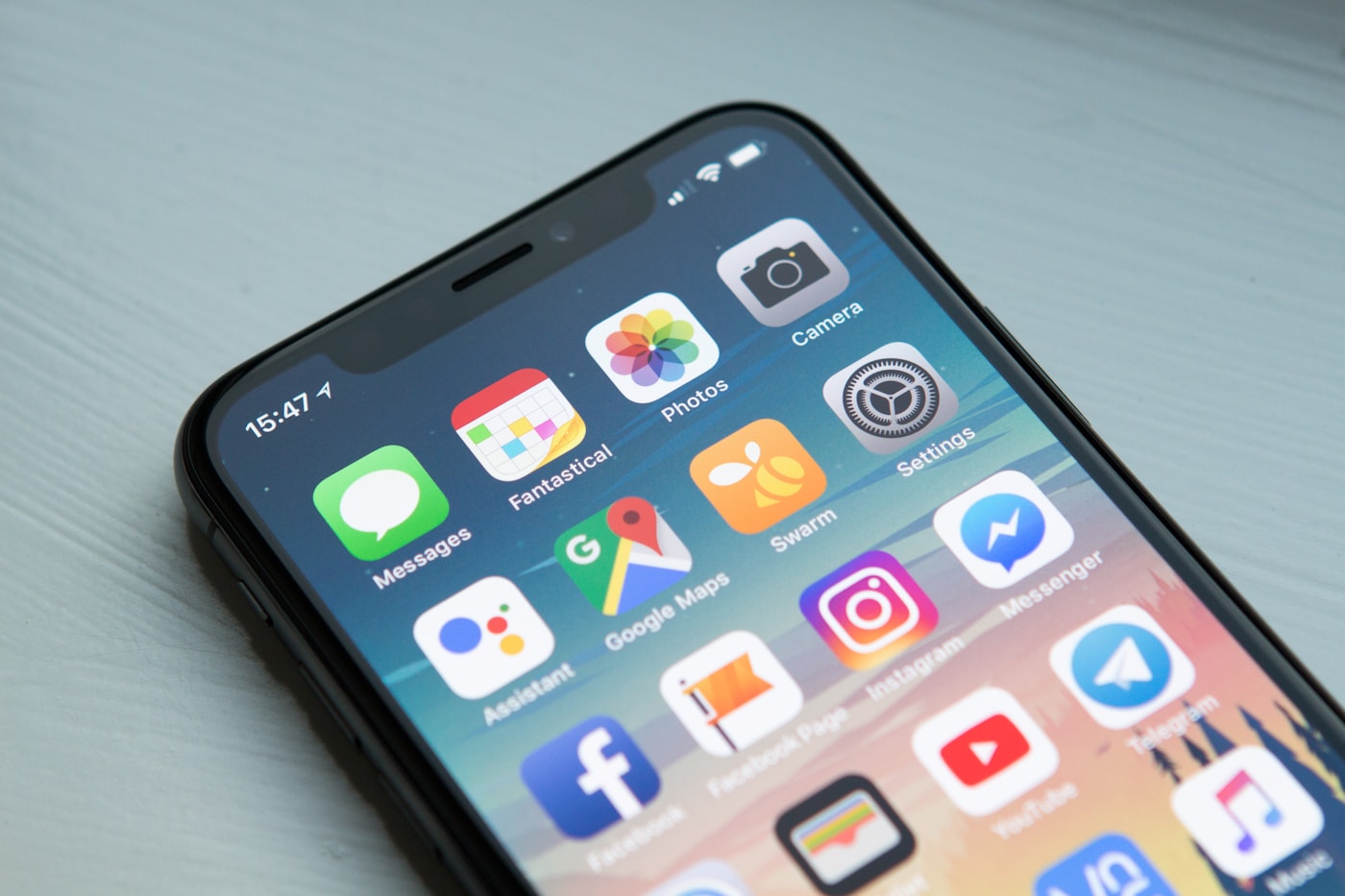
Step-by-step guide to installing a travel eSIM on any iPhone or Android device in under 60 seconds.
What Is an eSIM and How Does It Work?
An eSIM (embedded SIM) is a small chip soldered directly into your phone. Unlike a physical nano-SIM card you pop in and out, an eSIM is reprogrammed over the internet. You scan a QR code or tap a link, and within seconds your phone downloads a carrier profile that activates a local data plan — no physical card, no swapping, no airport SIM shop queues.
Every eSIM-capable device has an EID (Embedded Identity Document) — a 32-digit number that identifies your eSIM chip. A carrier uses that EID to provision a profile onto your device, the same way they'd program a physical SIM card at a store counter, except it happens wirelessly.
For travelers, this is a game changer. You keep your home SIM active for calls and two-factor authentication, while a lamasim eSIM handles local data at local prices. Your phone appears to have two lines — and in most cases, it does.
Which Devices Support eSIM?
Almost every flagship phone released since 2020 supports eSIM. Here are the most common:
- iPhone: iPhone XS, XR, and all models released after (11, 12, 13, 14, 15, 16 series)
- Samsung Galaxy: S20 series and later, Z Fold and Z Flip series, A55, A35
- Google Pixel: Pixel 3 and later
- Other Android: Motorola Razr 2022+, Huawei P40/Mate 40 Pro, Sony Xperia 10 V+, OnePlus 12+
Not sure if your device is compatible? Open Settings → About Phone on Android or Settings → General → About on iPhone. If you see an "EID" number listed, your phone supports eSIM.
Note: Some carriers sell "locked" iPhones that cannot install third-party eSIMs. If you bought your iPhone directly from a carrier on a subsidized plan, check that your device is fully unlocked before purchasing a travel eSIM.
How to Install an eSIM on iPhone (Step-by-Step)
The process takes about 60 seconds once you have your QR code. You can install it before you travel — lamasim eSIMs activate when you first connect to a network in your destination country, not when you install them.
Step 1 — Open Cellular Settings
Go to Settings → Cellular (or Settings → Mobile Data in some regions). Scroll down and tap Add eSIM.
Step 2 — Choose Your Installation Method
You'll see three options:
- Use QR Code — scan the QR code from your lamasim confirmation email
- Enter Details Manually — type in the activation code if your camera won't scan
- Transfer from Nearby iPhone — not relevant for travel eSIMs
Tap Use QR Code and point your camera at the QR code in your email or the lamasim app. Your iPhone will read it automatically — you don't need to press a shutter button.
Step 3 — Confirm and Activate
A sheet appears showing the carrier name and plan details. Tap Continue, then Add Cellular Plan. Your iPhone will spend about 10–30 seconds downloading the eSIM profile. When it finishes, you'll see a new line appear under Settings → Cellular.
Step 4 — Label Your Lines
iPhone will ask you to label your lines (e.g., "Primary" for your home SIM, "Travel" for lamasim). This makes it easy to switch later. You can rename them anytime in Settings → Cellular → [line name].
Step 5 — Set Data Preferences
Go to Settings → Cellular → Cellular Data and select your lamasim eSIM as the default data line. Keep your home SIM as the default for calls and messages so you don't miss calls while abroad.
How to Install an eSIM on Android
Android eSIM installation is almost identical across manufacturers, though the exact menu path varies slightly.
Samsung Galaxy (One UI 5.0+)
- Go to Settings → Connections → SIM Manager
- Tap Add eSIM → Scan QR Code
- Scan your lamasim QR code
- Tap Confirm when prompted
- Under SIM Manager, set your lamasim eSIM as the default for Mobile Data
Google Pixel (Android 12+)
- Go to Settings → Network & Internet → SIMs
- Tap the + icon and select Download a SIM instead?
- Tap Next and scan the QR code
- Follow the on-screen prompts to activate
- Under SIMs, set your lamasim eSIM as the default for data
Other Android Devices
Most Android 10+ phones follow a similar path: Settings → Network (or Connections) → SIM Cards → Add eSIM / Download SIM. If you can't find it, search "eSIM" in your Settings search bar.
How to Install Your lamasim eSIM Specifically
- Purchase your plan on lamasim.com — choose your destination country and data size
- Check your email for the confirmation containing your QR code (arrives within 60 seconds)
- Install before you fly — you need a Wi-Fi or mobile data connection to download the eSIM profile. Do it at home, not at the airport
- Scan the QR code using the steps above for your device type
- Set lamasim as your data line in cellular settings
- Land and connect — your lamasim eSIM activates automatically when your phone connects to a supported network in your destination
Pro tip: Enable data roaming for your lamasim line (Settings → Cellular → [lamasim line] → Data Roaming: On). This sounds counterintuitive, but lamasim routes your data through local networks, so "roaming" for the lamasim eSIM means using its own local partner networks — exactly what you want.
Troubleshooting Common eSIM Issues
eSIM not showing up after installation
Restart your device. Cellular plan changes sometimes require a reboot to take effect. If it still doesn't appear, go to Settings → Cellular and check if there's a "pending" plan waiting for activation.
QR code not scanning
Make sure your screen brightness is at maximum and you're holding the camera 20–30 cm from the QR code. If it still won't scan, tap Enter Details Manually and type in the activation code string from your email — it's the long alphanumeric code below the QR image.
eSIM installed but no data connection
Check that: (1) you've set lamasim as the default data line, (2) Data Roaming is enabled for the lamasim line, and (3) you're in a coverage area. Restart your phone after enabling roaming — some devices need a restart to re-register with the network.
"eSIM not supported" error
Your device may be carrier-locked. Contact your home carrier to unlock your device. This is usually free if you've finished your contract or paid off your phone.
Used up all your data early
Log into your lamasim account to top up instantly. Your existing eSIM profile stays in place — you don't need to reinstall anything. Top-ups activate within seconds.
Frequently Asked Questions
Can I keep my regular SIM in while using a lamasim eSIM?
Yes. That's the biggest advantage. Your home SIM stays active for calls and SMS (including 2FA codes), while lamasim handles data. Most modern phones support Dual SIM Dual Standby (DSDS), meaning both lines receive calls simultaneously.
Does installing an eSIM delete my existing SIM or phone number?
No. Installing an eSIM adds a new line — it doesn't remove or affect your existing SIM or phone number in any way.
Can I delete an eSIM after my trip?
Yes. Go to Settings → Cellular → [lamasim line] → Delete eSIM. Note that once deleted, the QR code cannot be reused — you'd need to purchase a new plan for your next trip. If you travel frequently, consider keeping the profile installed and just topping up data when needed.
How many eSIMs can I store on my phone?
iPhones support up to 8 eSIM profiles stored, with 2 active simultaneously. Most Android devices support 2–4 stored profiles. Only one eSIM can be used for data at a time.
Does lamasim eSIM work on tablets and laptops?
lamasim eSIMs currently support smartphones only. eSIM-compatible iPads and laptops use different provisioning systems that aren't yet supported.
Ready to get connected? Browse plans by destination on the lamasim destinations page.
Ready to travel connected?
Get your eSIM in 60 seconds. Plans from $2.80. No ID, no contract.
Browse eSIM plans →